Generatore IA Deepfake
Crea video realistici con sostituzione del volto tramite IA in pochi secondi. Carica la foto di un personaggio, scegli un video di riferimento e lascia che l'IA faccia il resto.
Inizia oraReference Video
Character
Prompt
Quality
50K+
Videos generated
120K+
Characters created
200K+
Images generated
Benefits
Why creators choose Genera
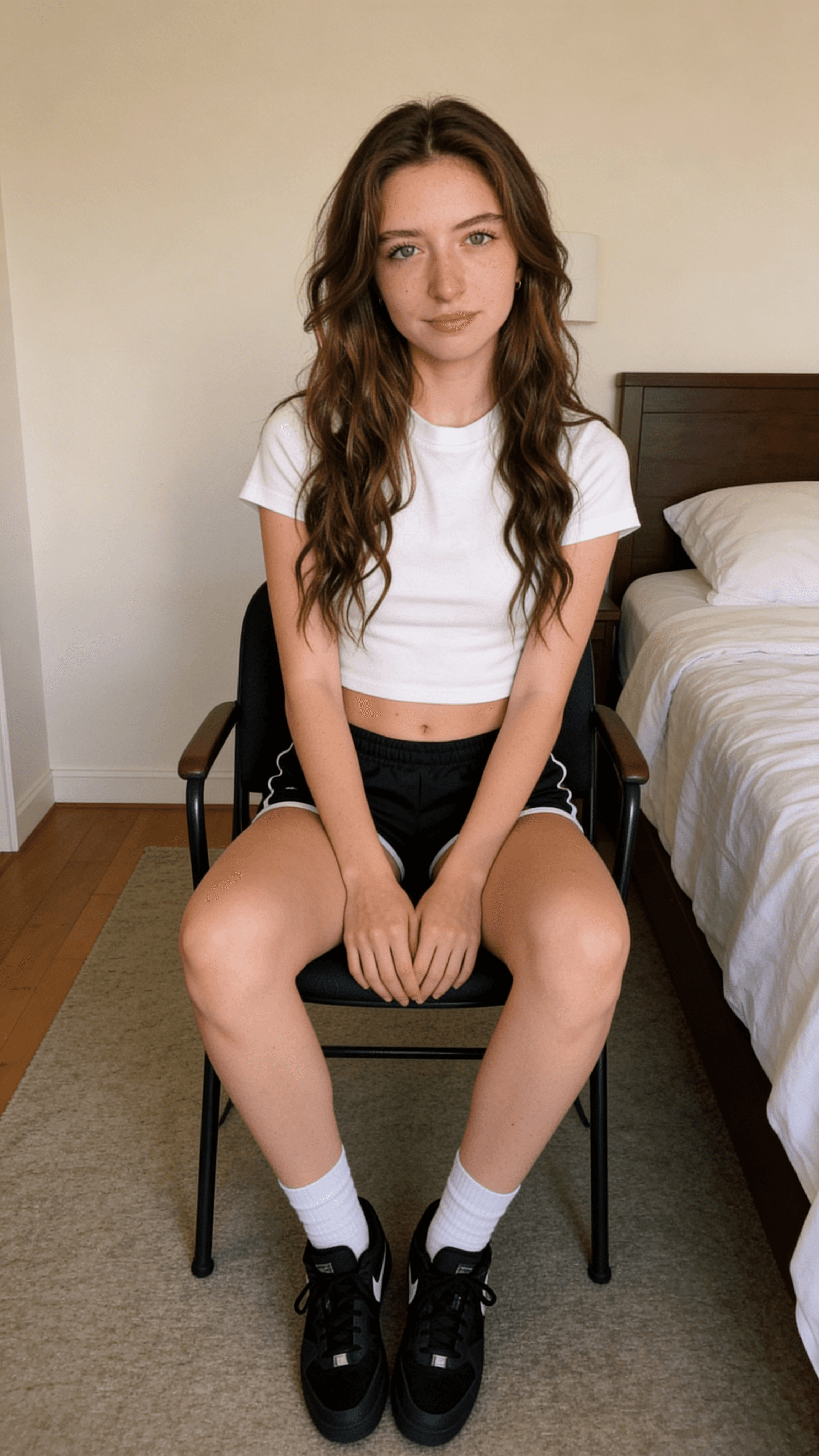
Realistic AI face swaps
Our AI analyzes facial landmarks, skin tone, and lighting conditions to produce face swaps that look natural. The model tracks head movement frame by frame, matching expressions and angles so the result blends seamlessly into the original video.
Whether you are creating content for social media, building a marketing campaign, or experimenting with AI video, the output is production-ready without manual editing.
Try Face Swap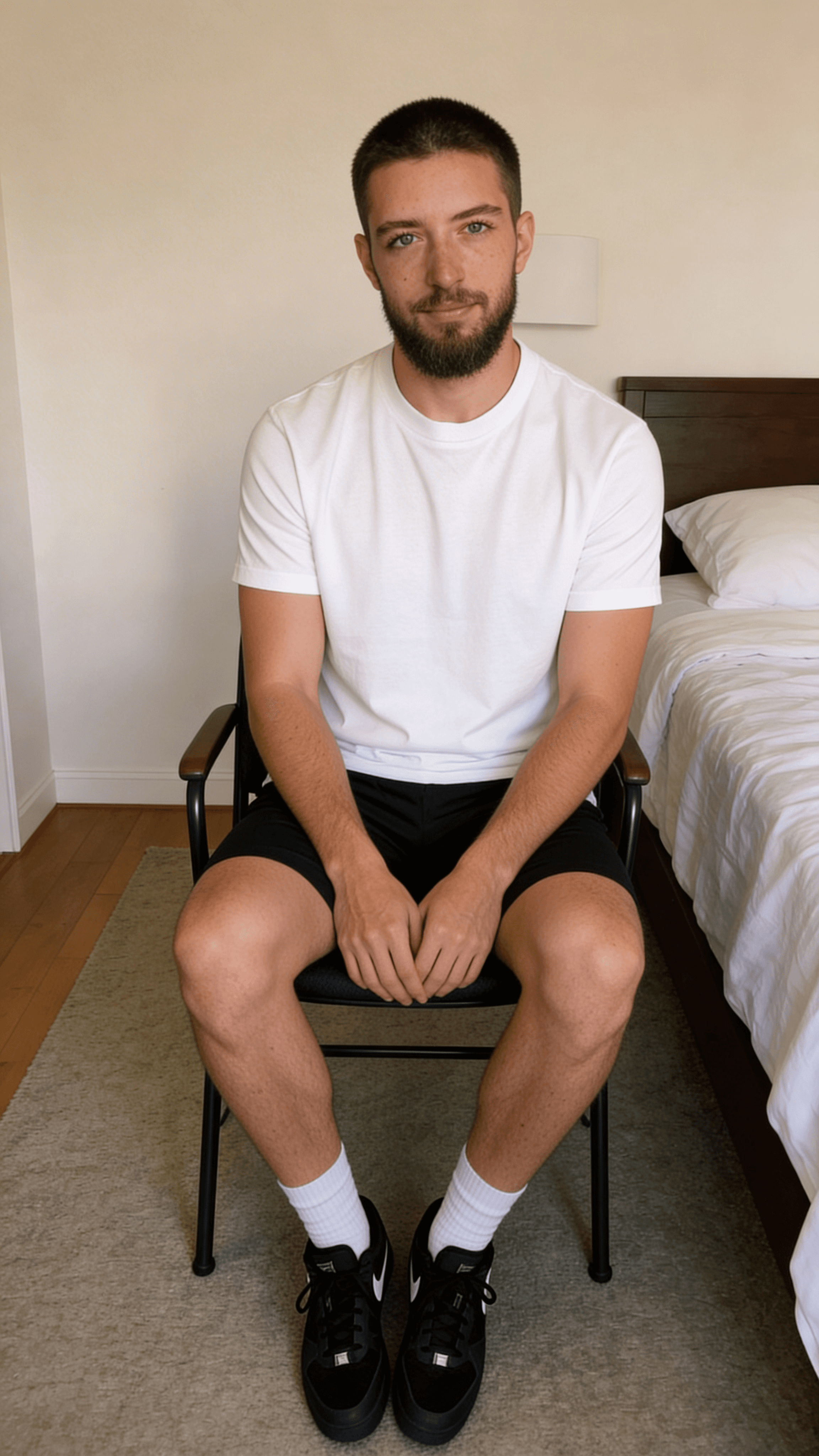
AI character animation
Go beyond static face swaps. Generate full character animations from a single photo. The AI creates natural body movement, walking cycles, dance sequences, and more, all driven by the reference video you choose.
This opens up creative possibilities that previously required motion capture studios and hours of post-production work.
Try Character AnimationStorytelling, enhanced
Combine face swaps with AI video generation and image creation to build complete visual stories. Generate a character image from a text prompt, then place that character into any video scene.
From concept to final video, the entire pipeline runs inside one tool. No switching between apps, no manual compositing, no render queues.
Start CreatingFeatures of the AI Deepfake Generator
Face Swap
Replace the person in any video with your uploaded character. The AI matches head position, expressions, and lighting automatically.
Character Animation
Turn a single photo into a moving character. Dance, walk, gesture, or act out any scene from a reference video.
HD Video Output
Generate videos in 720p or 1080p resolution. HD output captures finer detail and looks sharper on large screens.
Multi-Aspect Ratios
Create content in 16:9 (landscape), 9:16 (vertical), or 1:1 (square) to match any platform requirement.
Text-to-Video
Describe what you want and get a video. Text-to-video generation powered by the latest AI models with full style control.
Image Generation
Create character images, portraits, product shots, and more from text prompts. Multiple AI models with various styles.
What You Can Create
Social Media Content
Create viral videos, memes, and short-form content with AI face swaps. Optimized for TikTok, Instagram Reels, and YouTube Shorts.
Marketing & Ads
Produce localized ad campaigns with consistent brand characters across different scenarios without reshooting.
Education & Training
Build engaging educational videos with AI presenters. Create training materials that hold attention and scale across topics.
Business Presentations
Generate professional video presentations with AI avatars for internal comms, product demos, and investor updates.
Creative Projects
Experiment with AI video for film, animation, music videos, and artistic expression. No production crew required.
Create your deepfake video in 4 easy steps
Upload a character photo
Choose a clear, well-lit photo of the person you want to use as your character. Front-facing photos work best.
Choose a reference video
Upload or select a video with the motion you want. The AI will map your character onto the person in this video.
AI generates the swap
The AI processes every frame, matching facial expressions, body movement, and lighting to produce a seamless result.
Download and share
Preview your video, download in HD, and share directly to social media or use in your projects.
Frequently Asked Questions
What is an AI deepfake generator?
An AI deepfake generator uses artificial intelligence to swap faces in videos. It analyzes a reference photo and a target video, then replaces the person in the video with the face and likeness from the photo while preserving natural motion, lighting, and expressions.
How do I create a deepfake video?
Upload a clear photo of the character you want to use, choose a reference video, and click Generate. The AI handles motion tracking, face replacement, and compositing automatically. The whole process takes under a minute.
Is it free to make deepfake videos?
Genera offers a credit-based system. You can explore the tool and preview the interface for free. Video generation requires credits, which are included with all subscription plans starting at $16/month.
What quality options are available?
Genera supports SD (720p) and HD (1080p) video output. HD is available on Pro and Business plans. You can also choose from multiple aspect ratios including 16:9, 9:16, and 1:1.
How does AI face swap work?
The AI maps facial landmarks from your uploaded photo, then tracks the person in the reference video frame by frame. It replaces the original face with your character while matching head angle, expression, lighting, and skin tone for a seamless result.
Can I use my own photos and videos?
Yes. You can upload any photo as your character reference and any video as the target. For best results, use a well-lit, front-facing photo and a video where the subject is clearly visible.
Scopri altri strumenti IA
Start creating with Genera
Generate AI face swap videos, create images from text, and bring characters to life. No editing skills required.
Inizia ora