A Complete Guide to AI Image Generation Styles
AI image generators can produce almost any visual style, from studio photography to Renaissance oil painting to minimalist vector art. The key to getting the style you want is understanding what style categories exist and which prompt keywords activate them reliably. This guide covers every major style category with practical prompt tips for each.
Photorealistic
Photorealistic output mimics what a real camera would capture. This is the default style for most AI image generators when no specific style is requested. To push toward maximum realism, use terms like "photorealistic," "photograph," "DSLR," "RAW photo," or specific camera and lens references like "Canon EOS R5, 85mm f/1.4."
Sub-styles within photorealism include studio photography (controlled lighting, clean backgrounds), street photography (candid, urban, natural light), macro photography (extreme close-ups with shallow depth of field), drone/aerial photography (overhead perspectives, landscape scale), and film photography (grain, specific color profiles like Kodak Portra or Fuji Velvia).
Digital Art and Concept Art
Digital art encompasses a broad range of styles created with digital tools. For concept art, use keywords like "concept art," "digital painting," "matte painting," or "character design sheet." Mentioning specific contexts like "for a AAA video game" or "movie concept art" helps set the right level of polish and detail.
Matte paintings work well for epic landscapes and environments. Character design benefits from keywords like "character turnaround," "full body character design," or "RPG character art." Environment concept art responds well to "establishing shot," "environment design," and "world building illustration."
Traditional Art Styles
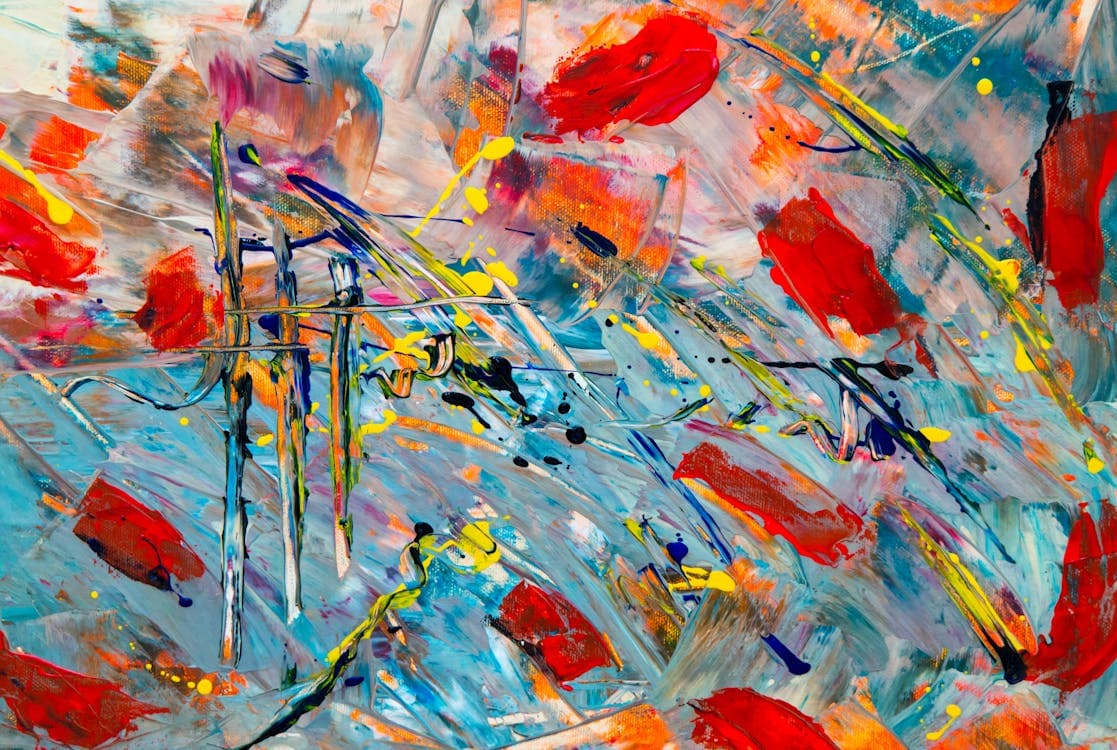
AI models have learned to replicate the look of traditional art media with impressive accuracy. Oil painting style responds to "oil painting on canvas," "thick brushstrokes," "impasto technique," or references to specific movements like "Impressionist" or "Baroque." Include "visible brushwork" or "palette knife texture" for more painterly results.
Watercolor works with "watercolor painting," "wet on wet technique," "color bleeding," and "watercolor paper texture." Pencil and charcoal drawing responds to "graphite pencil drawing," "charcoal sketch," "cross-hatching," and "detailed linework." Ink wash painting (sumi-e) responds to "Japanese ink wash," "sumi-e," "rice paper," and "negative space."
Anime and Manga
Anime and manga styles are well-represented in AI training data. Basic anime style responds to "anime," "manga," or "Japanese animation style." For more specific results, reference sub-styles: "shonen anime," "shoujo manga," "chibi," "cel-shaded," or specific aesthetic eras like "90s anime" or "modern anime."
Studio references can be effective: "Studio Ghibli style" activates a specific painterly, warm aesthetic. "Makoto Shinkai style" produces vivid skies and photorealistic backgrounds with anime characters. "Junji Ito style" produces horror manga aesthetics. These references work because the models have seen many examples labeled with these associations.
3D Rendered Styles
3D rendering styles range from photorealistic CGI to stylized looks. "3D render," "Octane render," "Unreal Engine 5," or "Blender render" produce clean, polished 3D aesthetics. For stylized 3D, try "Pixar style," "Disney 3D animation," "claymation," "low poly," or "isometric 3D."
Isometric views ("isometric," "diorama," "tilt-shift") produce charming miniature-world aesthetics that work well for environments and scenes. Clay render ("clay render," "matte white 3D," "studio lighting 3D") produces clean, monochromatic 3D forms that are popular for product design and architectural visualization.
Retro and Vintage
Nostalgic styles are popular and respond well to specific keywords. Pixel art uses "pixel art," "8-bit," "16-bit," "retro game," or "sprite art." VHS aesthetic uses "VHS recording," "analog video," "scanlines," "tracking error," and "80s camcorder." Retro-futurism responds to "retro-futurism," "Syd Mead style," "60s space age," or "atomic age design."
Vintage photography styles can reference specific film stocks ("Kodachrome," "Polaroid"), decades ("1970s photography," "Victorian-era photograph"), or printing techniques ("risograph print," "screen print," "letterpress"). Each activates distinct color palettes, grain patterns, and composition styles.
Mixing Styles
Some of the most interesting AI-generated images come from combining styles that would not normally coexist. "Watercolor painting of a cyberpunk city" blends traditional media with futuristic subject matter. "Pixel art portrait in the style of a Renaissance painting" combines retro gaming aesthetics with classical composition.
When mixing styles, put the primary style first in your prompt and the secondary influence after. "Oil painting with anime character proportions" will lean more toward oil painting than "anime character in oil painting style," which leans more toward anime. Experiment with the order to find the balance you want.
Building Consistent Style
For projects that need multiple images in a consistent style, create a style template prompt. Define your base style keywords, color palette, lighting approach, and composition preferences. Then swap only the subject matter for each new image while keeping the style portion of the prompt identical. This produces a cohesive set of images that feel like they belong together.