How to Make an AI Video of Yourself (No Editing Skills Needed)
AI video generation has reached the point where a single photo of yourself can become a moving, talking video clip. No camera crew, no editing software, no green screen. You upload a photo, provide some direction, and the AI handles motion, expressions, and even lip sync. The results are not perfect in every case, but they are practical enough for a growing list of real use cases.
Types of AI Self-Videos
There are several ways AI can turn your photo into video, each suited to different purposes.
- Talking head videos: The AI animates your face to speak, usually driven by an audio clip or text-to-speech input. Your mouth moves naturally, your head makes subtle movements, and your eyes blink. These are popular for presentations, social media, and educational content.
- Full body animation: The AI generates full-body motion from a single photo. You can appear to walk, dance, gesture, or perform actions. This uses pose estimation to drive realistic human movement.
- Character-driven clips: Your photo is used as a character reference, and the AI places you into a scene performing specific actions described by a reference video or motion template.
Taking the Right Source Photo
The quality of your source photo is the most important factor in the final result. A well-prepared photo can mean the difference between a convincing video and an obviously artificial one.
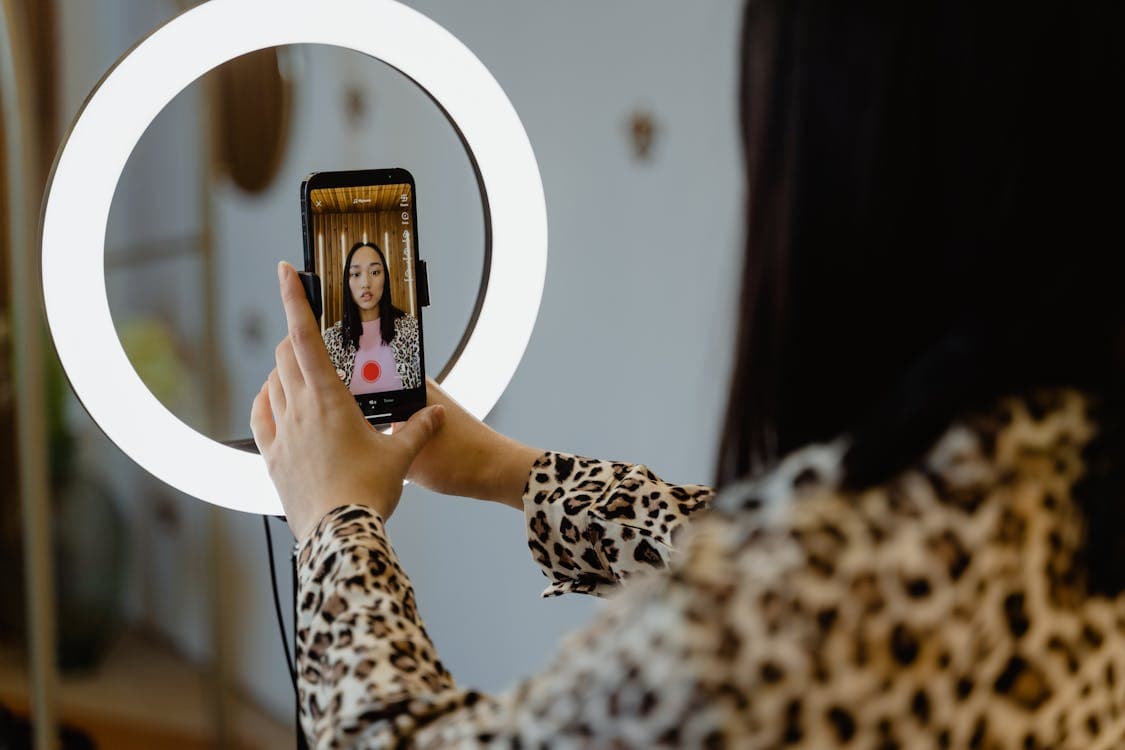
- Lighting: Even, diffused lighting works best. Avoid harsh shadows on one side of your face. Natural window light or a ring light produces clean, evenly lit photos that AI models work well with.
- Background: A simple, uncluttered background helps the AI isolate you from the scene. Solid colors or soft gradients are ideal. Busy backgrounds can cause artifacts in the generated video.
- Expression: A neutral, relaxed expression gives the AI the most flexibility. If you are making a talking head video, a slightly open, natural expression works well as a starting point.
- Resolution: Aim for at least 1024x1024 pixels. Higher resolution gives the model more facial detail to work with, resulting in sharper, more realistic output.
- Angle: A straight-on or slight three-quarter angle is most versatile. Extreme angles limit what the AI can do with the face.
The General Process
While interfaces differ between platforms, the core workflow is similar. Upload your photo as the character reference. Choose the type of output you want: talking video, animated motion, or character swap into existing footage. If making a talking video, provide the audio or text you want spoken. If animating motion, select a reference video or motion template. Set your resolution and duration preferences, then generate.
Processing typically takes one to five minutes depending on the length and resolution. Review the output and regenerate if needed. Most platforms allow you to adjust settings and try again without additional cost or at reduced cost.
Quality Settings That Matter
Resolution is the most impactful setting. SD (720p) is fine for social media and mobile viewing. HD (1080p) is better for professional use, presentations on large screens, or any context where the video will be viewed closely. Higher resolution takes longer to process and costs more, but the detail improvement is significant.
Duration affects both cost and consistency. Shorter clips (under 10 seconds) tend to maintain better quality throughout. Longer clips may show subtle drift in face consistency or lighting. For longer content, generating multiple short clips and editing them together often produces better results than a single long generation.
Creative Use Cases
Social media creators use AI self-videos to scale content production. Instead of setting up a camera for every post, they generate variations from a single good photo. Educators create talking head explainers without recording sessions. Sales teams produce personalized video messages at scale. Independent filmmakers use the technology for pre-visualization, testing how a scene looks before committing to a full shoot.
The technology is also increasingly used for multilingual content. A creator can record in one language and use AI to generate a version of themselves speaking another language with matching lip movements, reaching audiences they could not serve otherwise.